Put your favorites on the menu
Choose the meals you want to plan and add your own ideas. Keep favorite meals and their ingredients in My meals, ready to use again.
FREE PRINTABLE MEAL PLANNER
Favorite meals. A little room for leftovers. One thoughtful shopping list. Bring it all together in a meal plan that works for your real life.
Make my meal planYOUR KITCHEN NOTEBOOK
Usual servings apply to new meals; each meal can have its own amount. All 28 days stay saved when you change the number of weeks.
Include household essentials or an ingredient that is not attached to a meal.
“Already have” keeps an item in your pantry list. “Purchased” marks this shop as done. Matching ingredients are combined when their units can be combined.
The starter meals are ideas, with editable ingredients. Check quantities against your own recipe. Editing or removing a library meal does not change meals already in your plan.
For printing, match your paper size and orientation, choose “Fit to page,” and turn off browser headers and footers. Long meal names and notes may be shortened to fit; check the preview.
Your kitchen notebook is ready.
Your meal entries and ingredients are processed in this browser. Downloads are created on your device.
FROM A FEW IDEAS TO A WHOLE WEEK
Make the plan fit your week. Leave yourself room to change your mind.
Choose the meals you want to plan and add your own ideas. Keep favorite meals and their ingredients in My meals, ready to use again.
Ingredient amounts follow the servings in your plan. Check your cupboards, mark what you already have, and add any other groceries to your list.
Choose a design and paper size, then download a printable PDF. Save your project too, so your meal ideas are ready when next week comes around.
FOR THE PEN-AND-PAPER DAYS
The original ready-made JPG templates are here too. Open a design, save the full-size image, and print a page to fill in by hand.
 Meal planner 01Open JPG
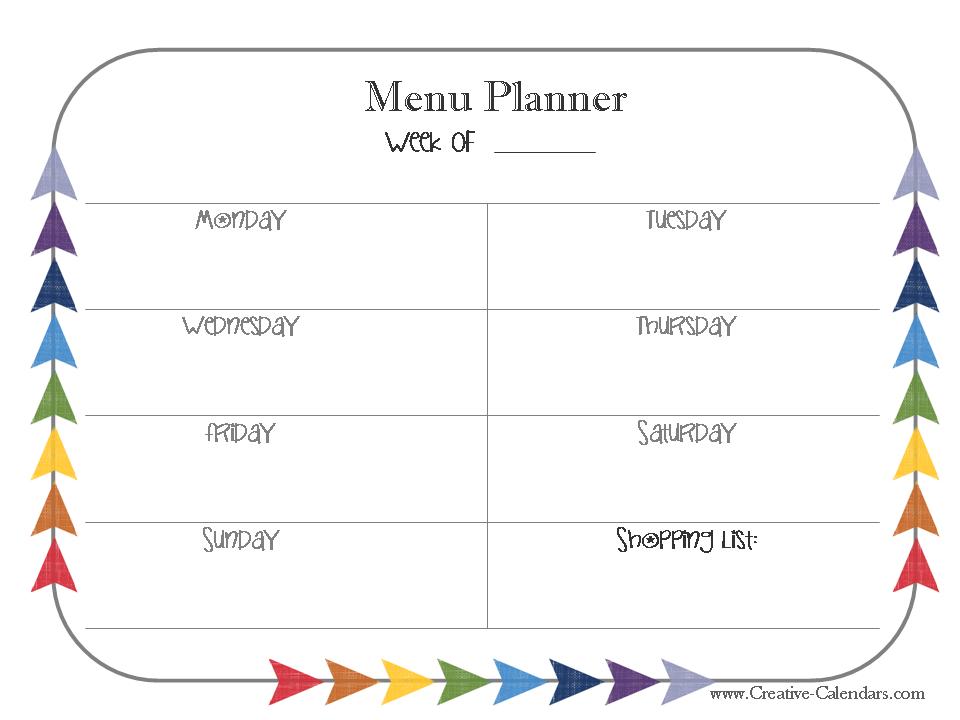 Meal planner 02Open JPG
 Meal planner 03Open JPG
 Meal planner 04Open JPG
 Meal planner 05Open JPG
 Meal planner 06Open JPG
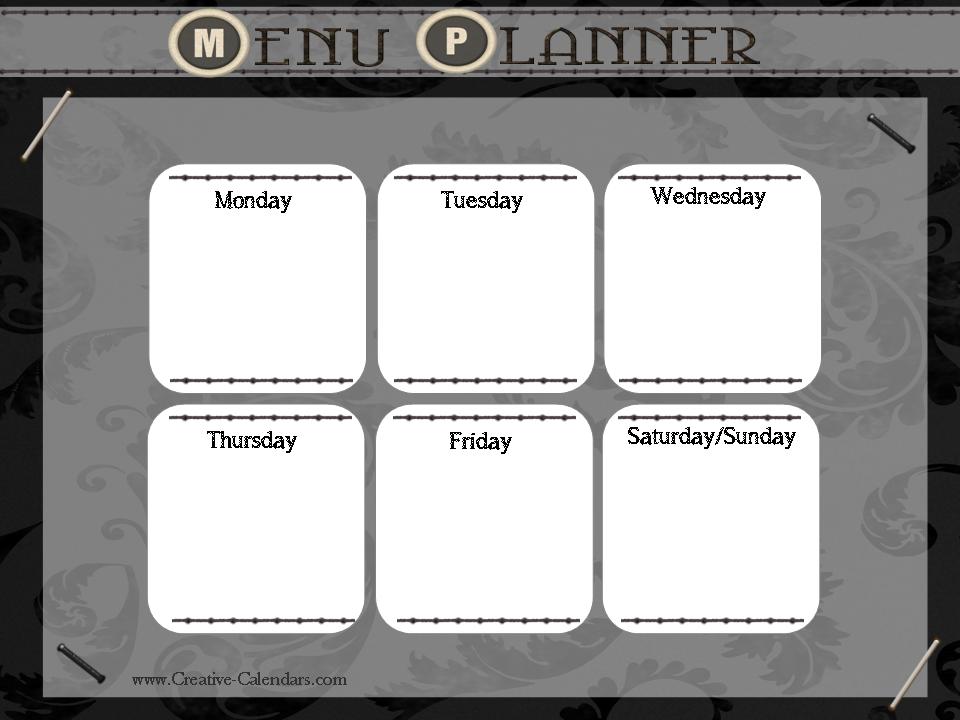 Meal planner 07Open JPG
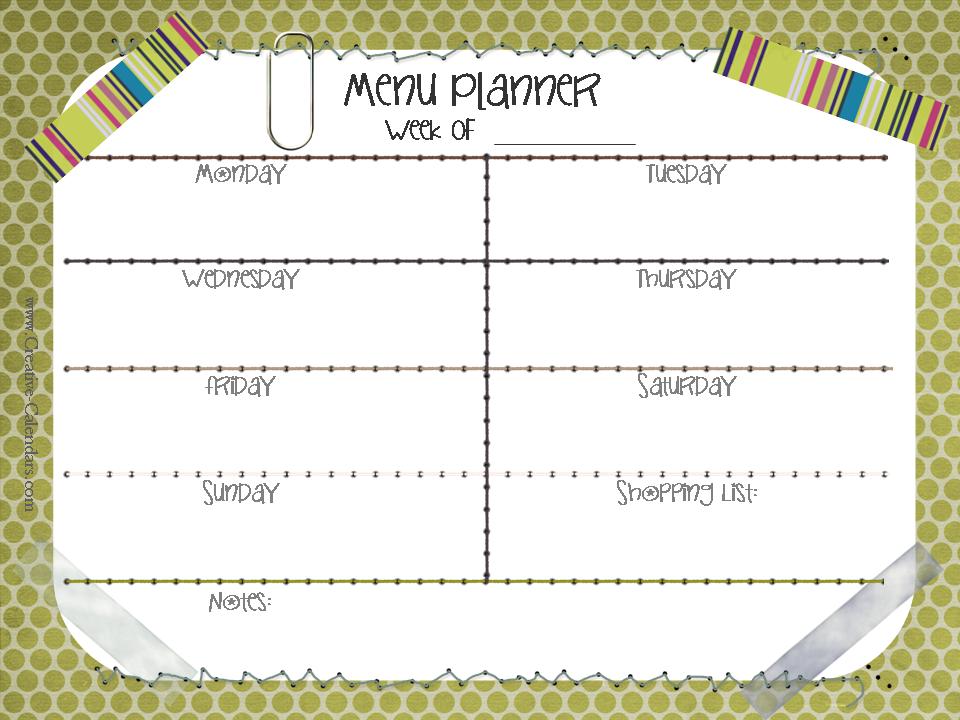 Meal planner 08Open JPG
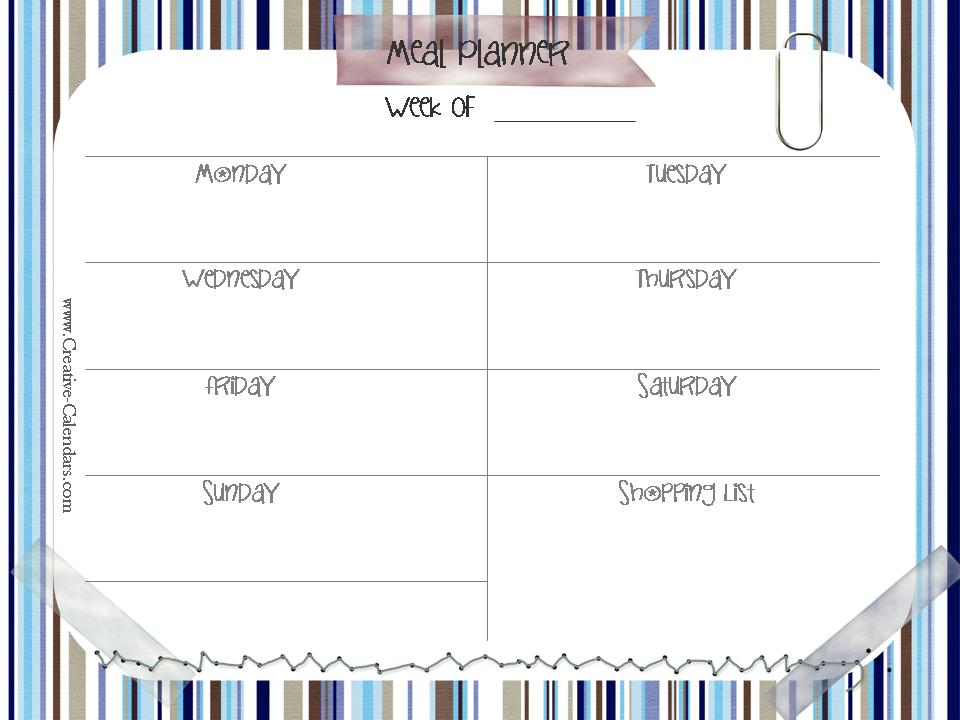 Meal planner 09Open JPG
 Meal planner 10Open JPG
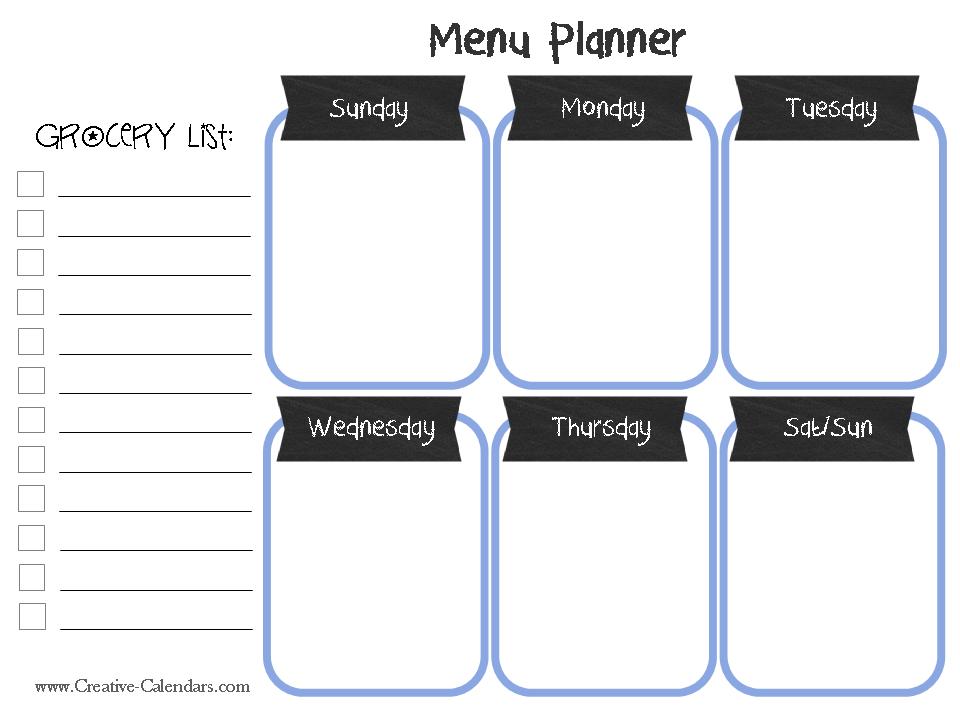 Meal planner 11Open JPG
 Meal planner 12Open JPG
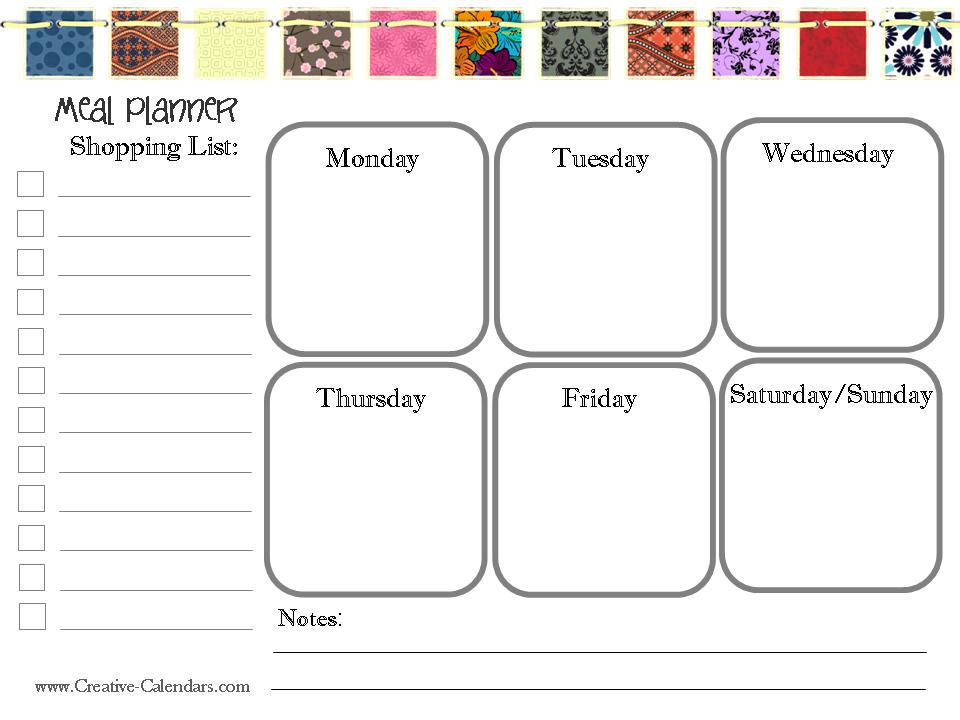 Meal planner 13Open JPG
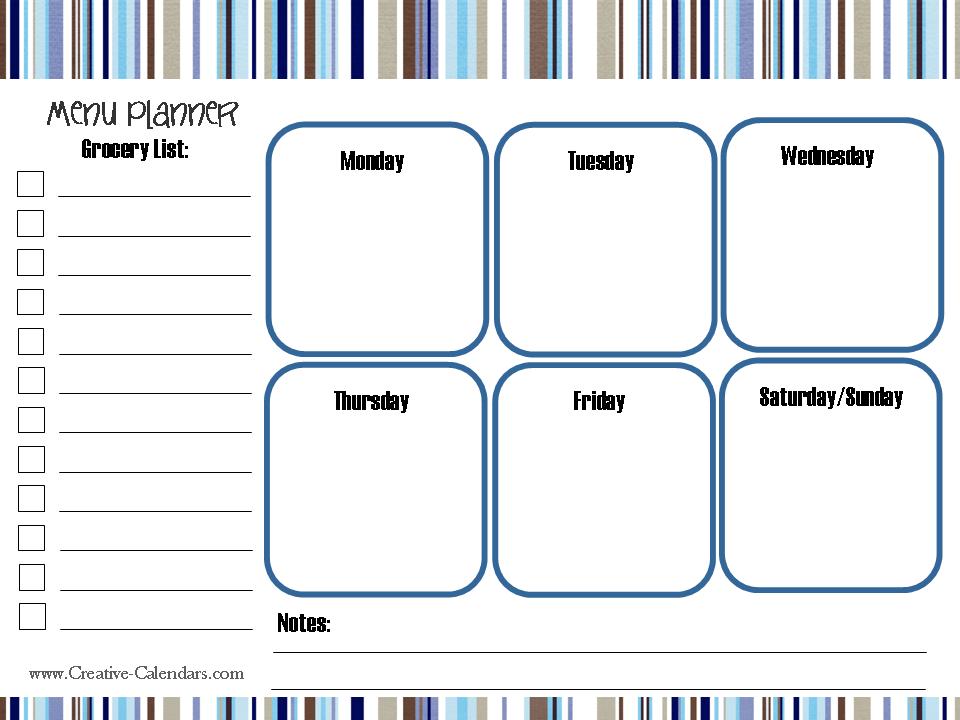 Meal planner 14Open JPG
A FEW HELPFUL DETAILS
Little answers for an easier week.
Choose breakfast, lunch, dinner, snacks, or a combination. You can plan one to four weeks. Changing the visible weeks or meal types keeps the other entries in your project so you can bring them back later.
The list uses the ingredients saved with the meals you place in your plan. Amounts scale to that meal's servings, and matching ingredients with compatible units are combined. A typed meal name without ingredients does not create groceries automatically; add ingredients in My meals or add the items to your shopping list.
Mark it as already in your pantry to leave it out of the shopping PDF. Shopping checkboxes are separate, so you can also tick off items as you buy them. Extra grocery items you add are included once in the selected shopping list.
Yes. Mark the meal as leftovers or eating out to keep it on the plan without adding its ingredients to the shopping list again. You can also skip the shopping list for an individual meal.
Add a meal with its usual servings, ingredient amounts, and notes in My meals. When you put it in the plan, the planner keeps a copy of those ingredients with the entry. Editing or removing the library meal later will not unexpectedly change a meal already in your plan.
Yes. Leave the meal entries empty, choose the Blank design for plain white pages, and switch on undated planning if you want a reusable template. Choose portrait or landscape and A4, US Letter, or A5. The preview and downloads use those same settings.
Download a PDF of the plan and shopping list, or save the current preview as a PNG. Match the paper size and orientation in your printer settings. Save project creates an editable file you can reopen here later; the remember option keeps a copy in this browser.
The meal planner processes your entries in your browser. Save a project file to keep a separate copy or move it to another device. The optional remember setting uses this browser's storage, which can be cleared when you delete site data.
Use the custom planner maker for daily pages, weekly plans, habit trackers, goals, and notes. The calendar maker also includes photo calendars and yearly layouts.