Gather your people
Add birthdays, anniversaries, and celebrations. Birth years are optional. Group family, friends, or classmates together, and keep gift ideas beside their names.
FREE BIRTHDAY CALENDAR MAKER
The birthdays, the anniversaries, the people who make life lovely. Keep them together in a beautiful calendar you can come back to, year after year.
A thoughtful little way to remember a lot of love.
YOUR BIRTHDAY BOOK
Add your people once. Make something lovely, every year.
THE PEOPLE WHO MAKE YOUR YEAR
Add your first birthday above, or try a sample to see your calendar come to life.
MAKE IT FEEL LIKE YOU
Every design works with every layout.
The original birthday stays February 29. Upcoming celebrations and exported reminders follow this choice.
A LITTLE THOUGHT, A LITTLE EARLY
Ages use the next celebration date. Birth years are optional.
Download a calendar file to import into Google Calendar, Apple Calendar, Outlook, or another compatible app.
Your calendar app handles reminders. This creates an import file; it does not connect or sync your calendar.
FROM A NAME TO A LOVELY TRADITION
For the kitchen wall, the family planner, or a thoughtful gift. One little list can become so many lovely things.
Add birthdays, anniversaries, and celebrations. Birth years are optional. Group family, friends, or classmates together, and keep gift ideas beside their names.
Choose a whole-year overview or give each month more room. Pick your favorite design, change the title, and choose portrait or landscape.
Download a print-ready PDF and save the editable birthday book. Next year, reopen your list, add anyone new, and make another calendar in moments.
The whole family's special days, together on the fridge or inside a cupboard door.
A cheerful birthday calendar for a class or group. Leave birth years off and make room for every name.
Make a matching set, print on lovely paper, and bind it with a ribbon for someone you love.
FOR THE PEN-AND-PAPER PEOPLE
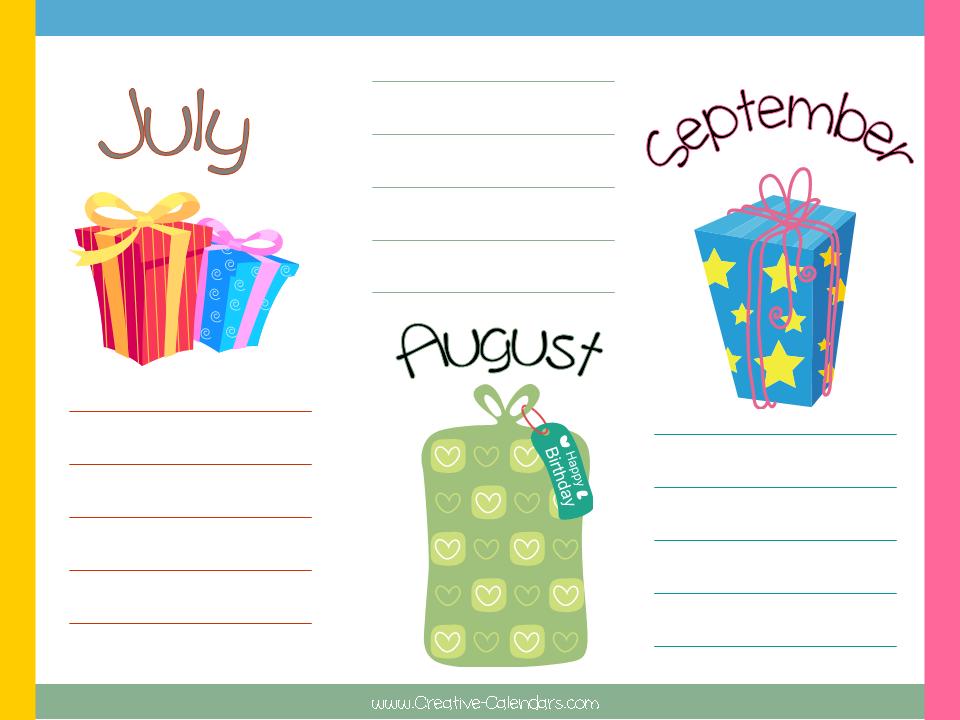
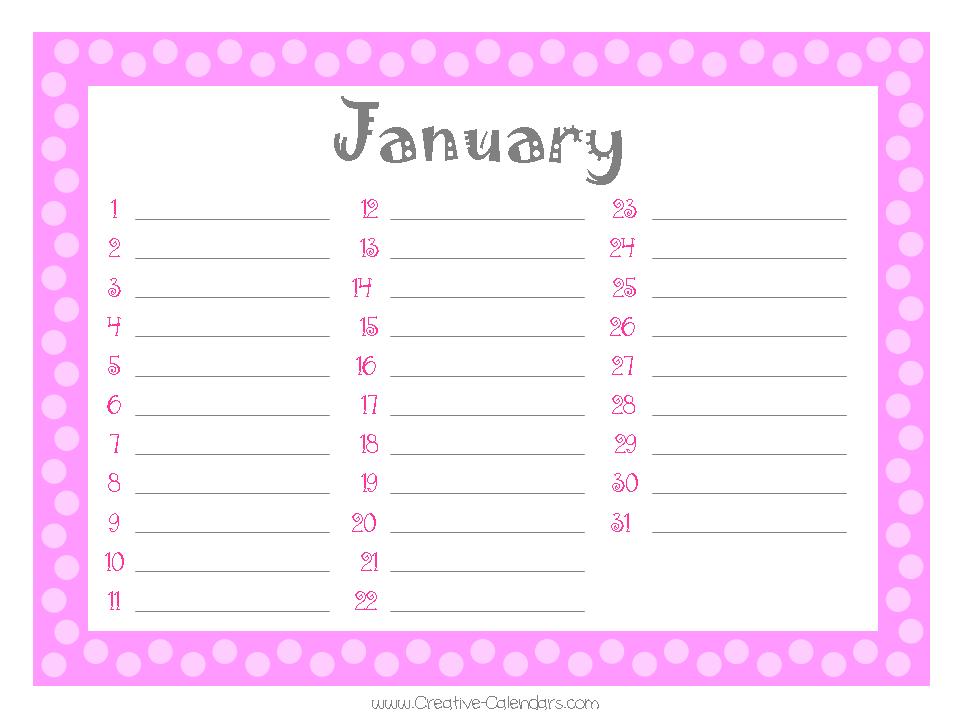
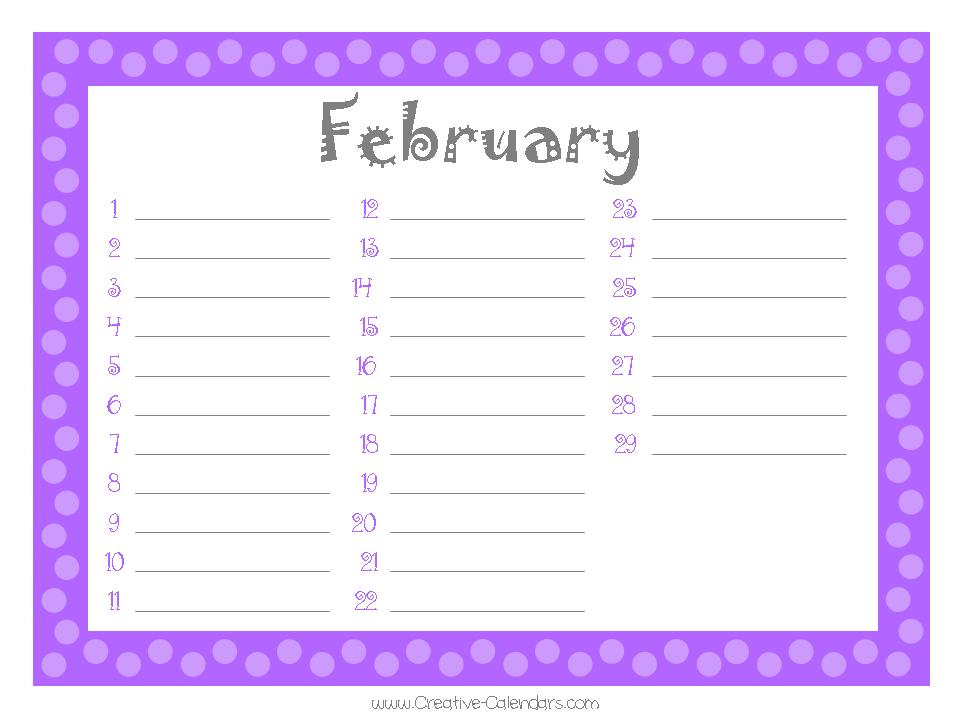
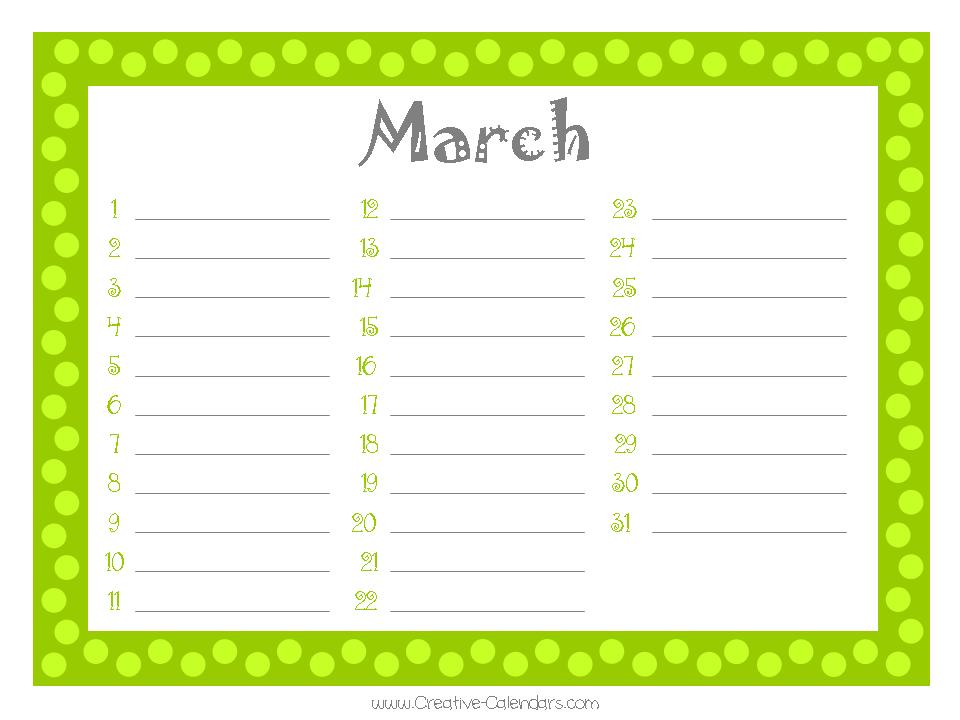
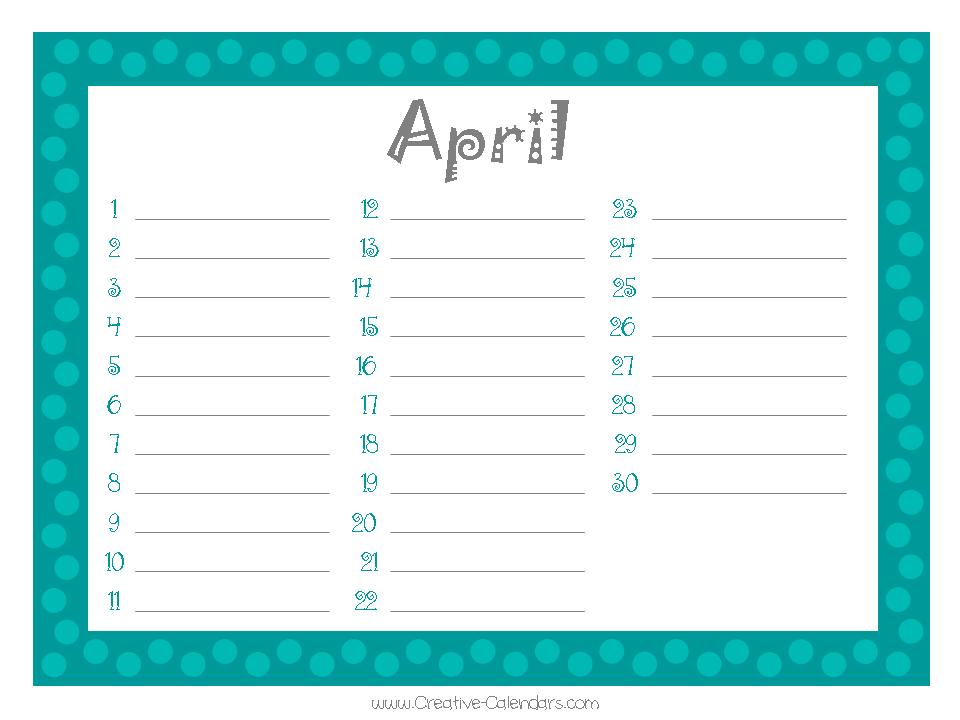
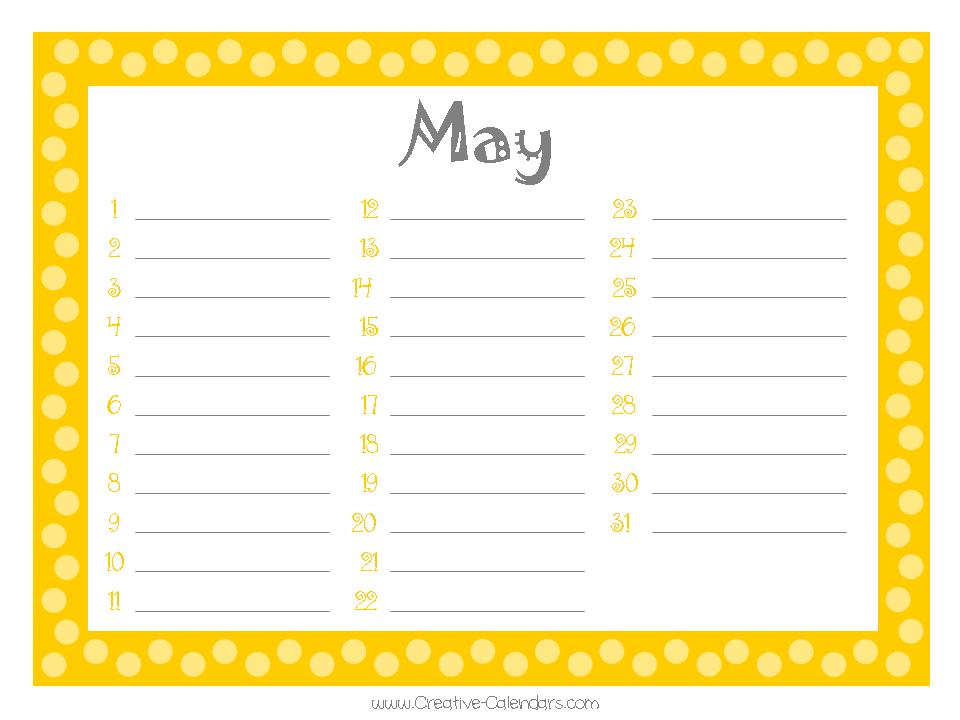
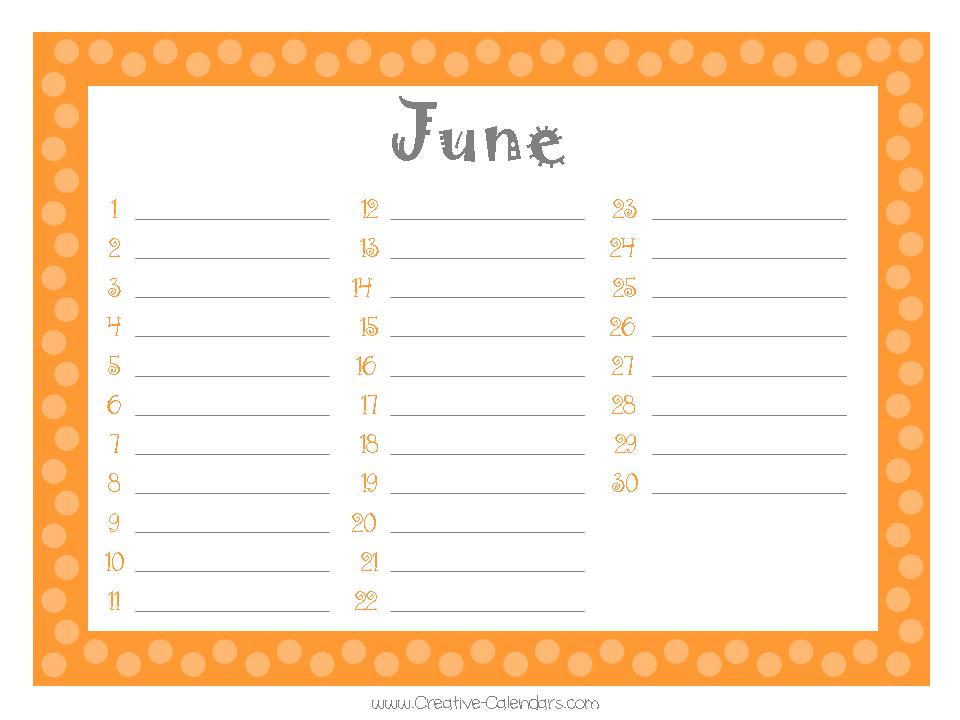
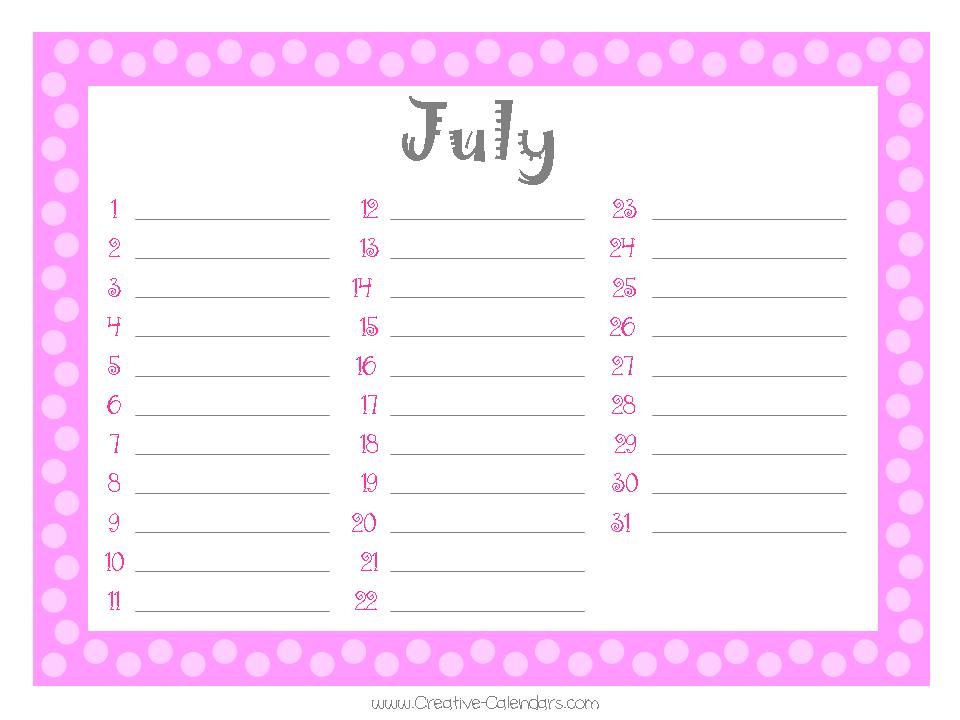
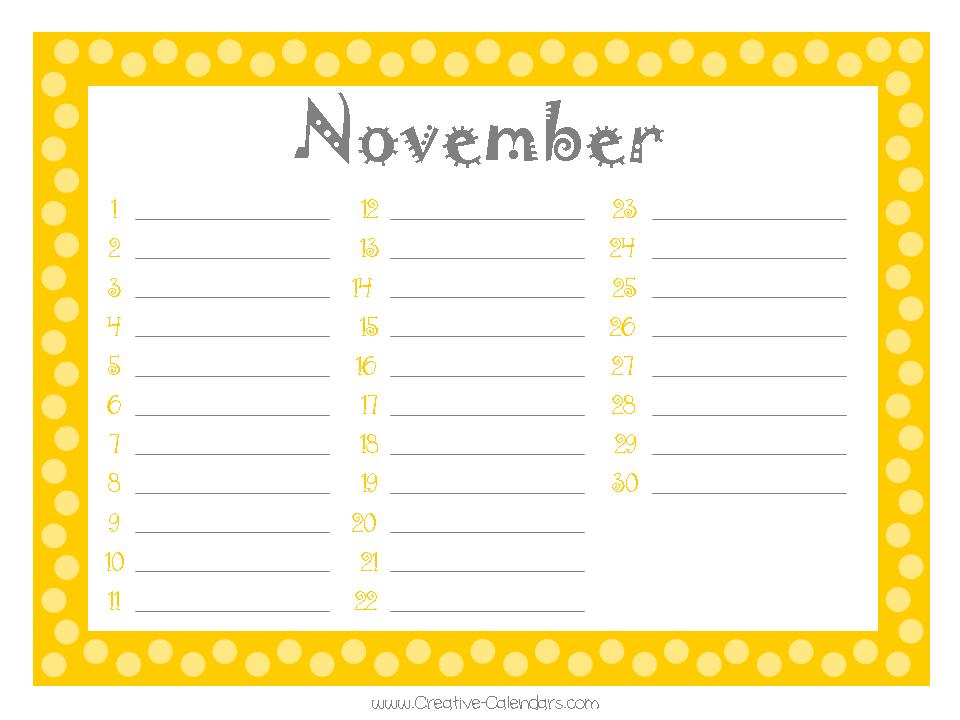
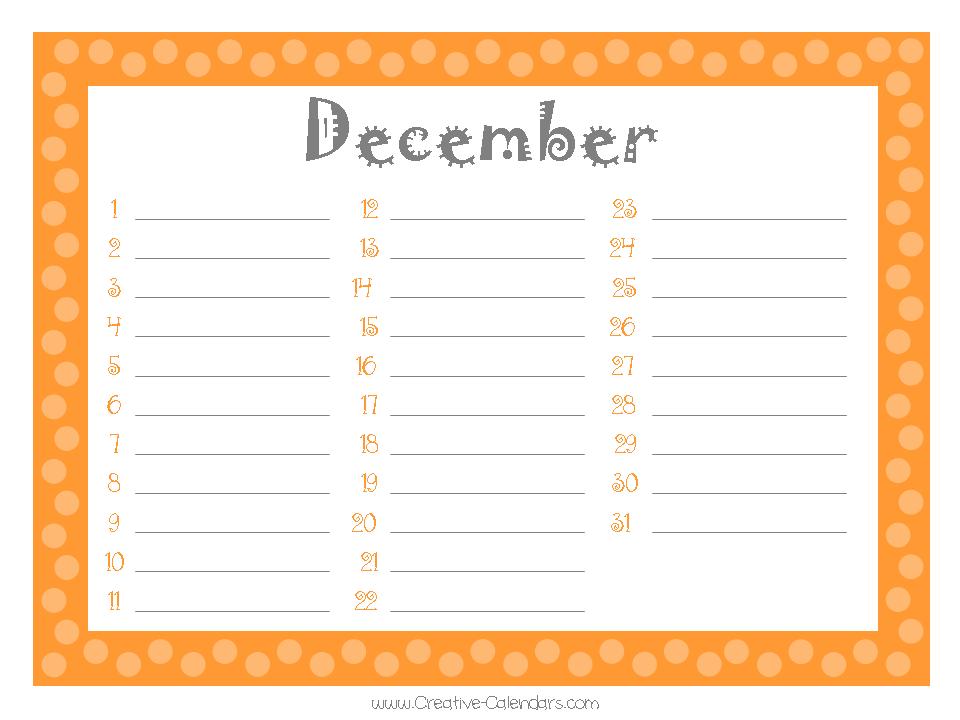
Prefer to write the names yourself? All 19 original birthday calendar pages are here. Open a full-size JPG, save it, and print. These perpetual templates can be used every year.
A little finishing touch: print on heavier paper for a keepsake, or laminate your pages and use an erasable pen so your calendar can grow with your family.
A FEW THINGS TO KNOW
The little details that make it easy to keep coming back.
A perpetual birthday calendar records the month and day without tying them to a particular year. You can print it once and use it every year. Keep the reusable setting on for a timeless version, or select a year when you want ages included.
No. A name, month, and day are enough. Add a birth year only if you want age calculations. Anniversary years are optional too. You can choose whether ages appear on your printed calendar.
Yes. Choose birthday, anniversary, or celebration for each entry. Use groups to keep family, friends, work, or a classroom together. Gift ideas and personal notes stay with your saved birthday book.
The birthday stays saved as February 29. Choose whether to observe it on February 28, March 1, or only in leap years. The coming-up list and calendar reminders follow your choice.
Use Import CSV to bring in a spreadsheet-style list. Preview the dates before adding them, check any flagged rows, and skip duplicates. You can also export your list as CSV or save the complete editable project.
Yes. Leave the list empty to print a calendar to fill in by hand. Choose the Blank design for plain white paper without decorative artwork, then select your layout, paper size, and orientation.
The maker adds continuation space when a layout cannot fit all the names. Check the page count and each preview before downloading. A layout with fewer months per page gives longer lists more room.
Download an ICS calendar file and import it into a compatible calendar app. The file contains birthday and celebration dates. Notification support and delivery depend on your calendar app and its settings; this website does not send reminder messages.
Save project downloads an editable file with your dates and design choices. Reopen it here whenever you want to make changes or print another version. The optional Remember on this device setting keeps a copy in this browser; browser storage can be cleared, so keep a project file for a separate copy.
The maker processes your entries and chosen photos in your browser. No account is needed. You choose when to download a project or calendar file and whether to remember your book on this device.
Yes. Try the calendar maker for monthly, yearly, and photo calendars, or the custom planner maker for a planner built around your life.